There are few ways to view documents in Supra Transactions;
- Supra Smart View
- Contract View
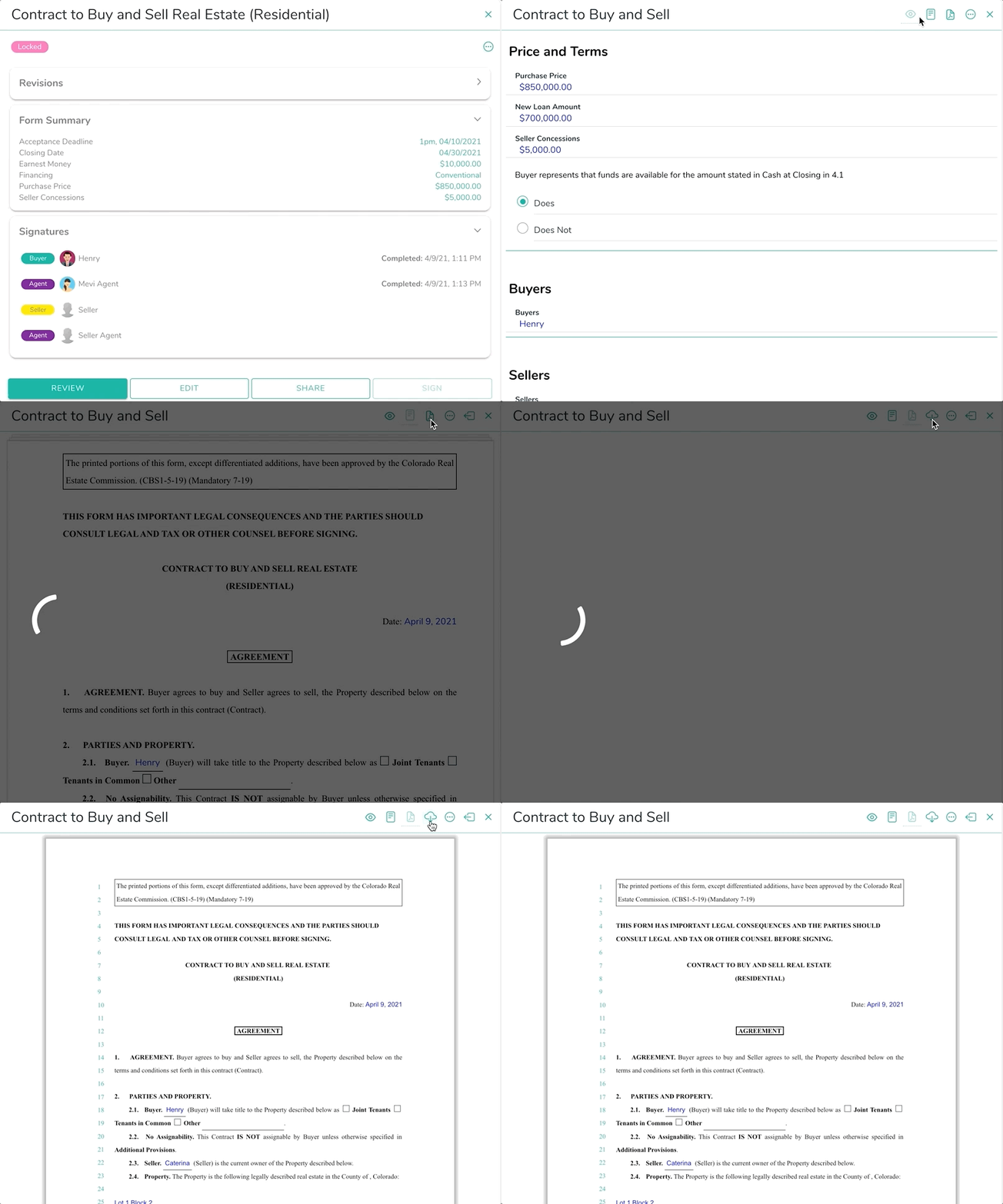
On the deal detail page click on the form you want to view to open the Form Detail Page. Then on the Form Detail page:
- Tap on the 3-dot action menu on the top right corner to select;
- Review, View Form, View Form (PDF).
- Or for a quicker way, click on the "Review" button on the form summary page to open the Smart View.
- Toggle between views using the toolbar;
Example of toggling between Contract View
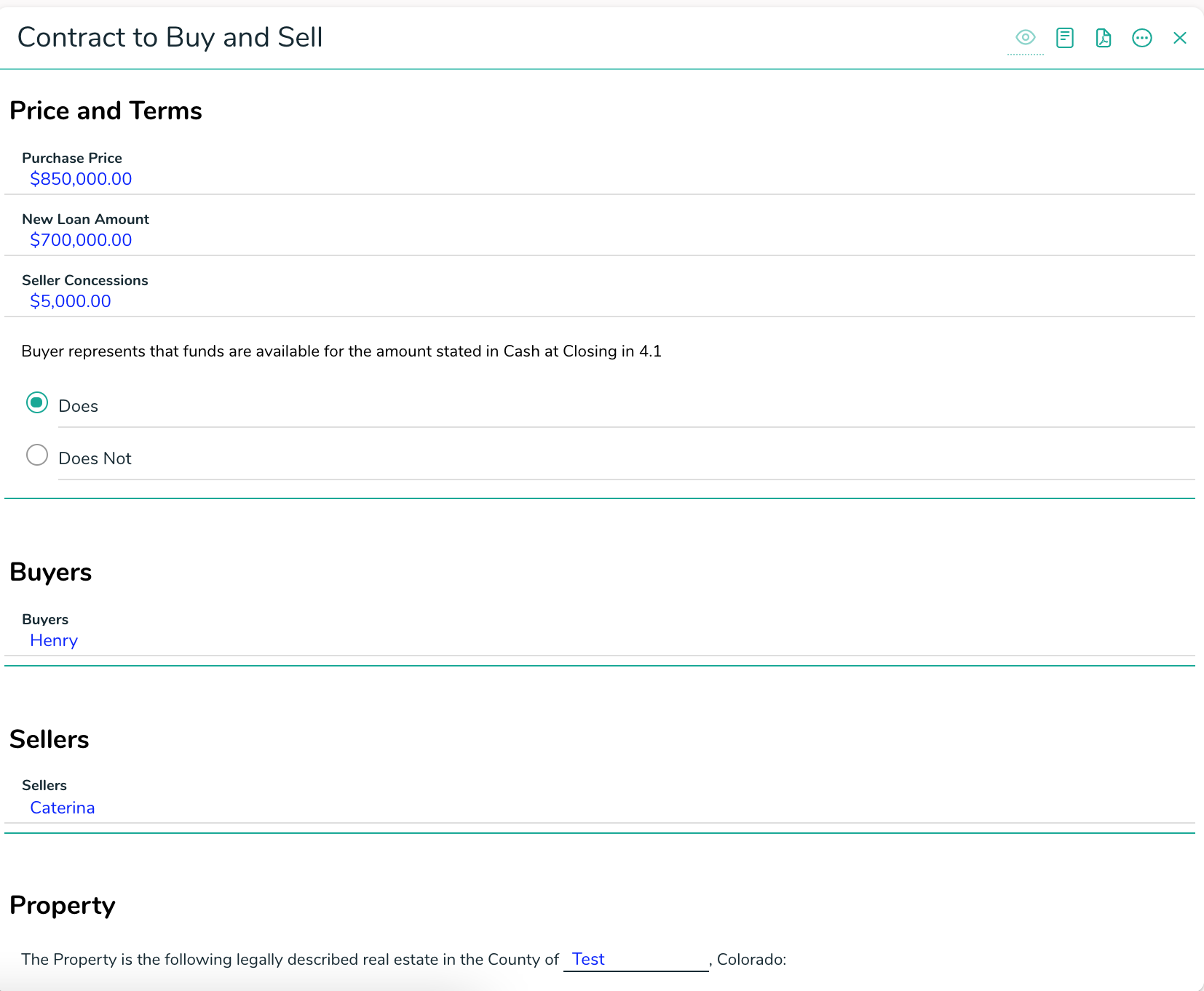
Smart View
Using Smart View is great for reading through the terms on any device. The form is broken down into sections to easily read through.
Smart View Example
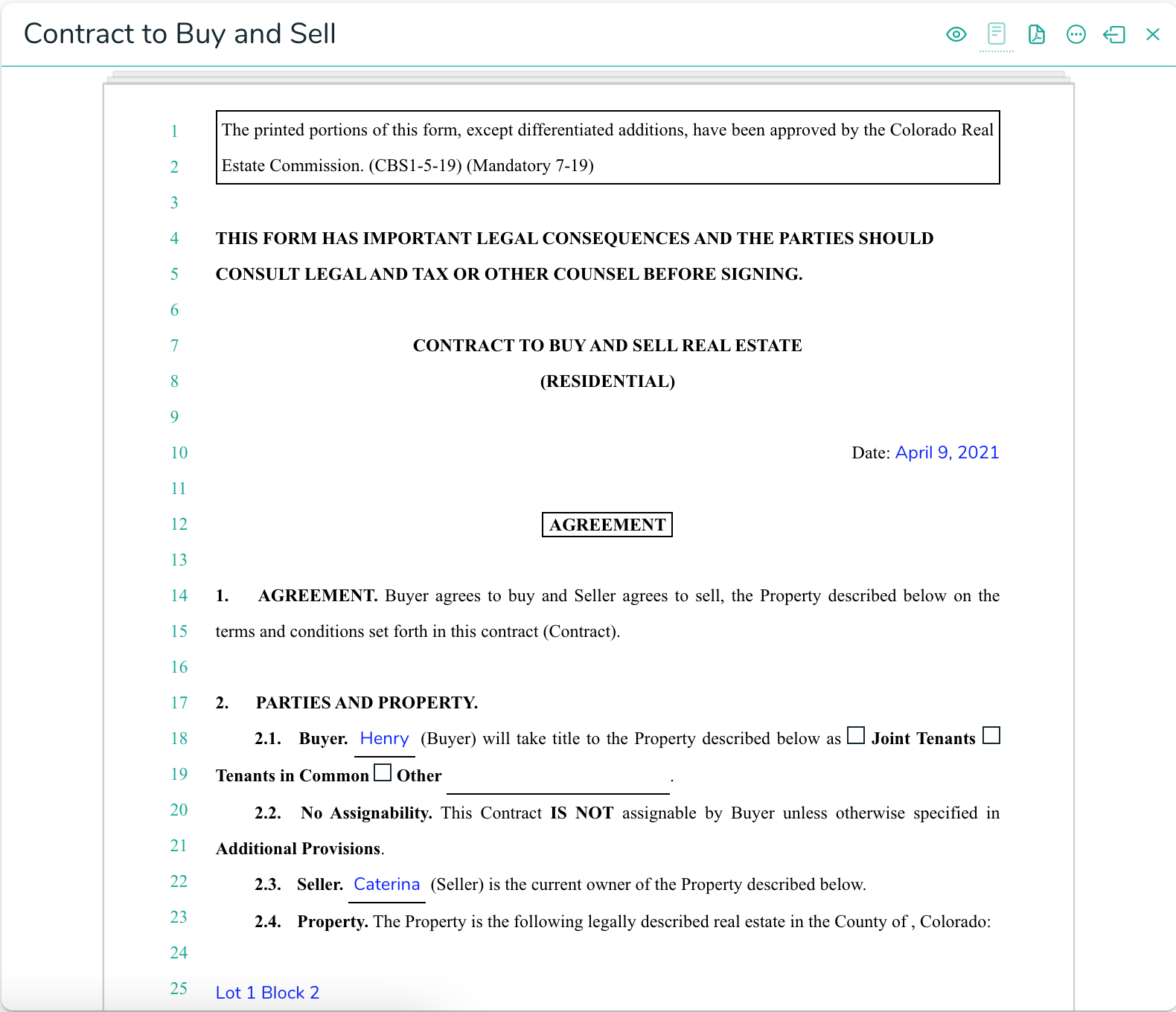
Contract View
This is a great way for you to see the full form with all the fields in place without having to download a PDF copy.
To download the PDF tap on the download icon in the toolbar of the PDF.
Example of downloading a PDF